In this article
The lease is signed, the interiors are done and the staff are hired. Then someone asks where the servers will go. For most IT teams, server room setup is the part of a branch rollout that nobody scheduled properly, and it is often the reason the go-live date slips.
This guide explains why a server room takes so long to build, what really drives the cost, and what a faster option looks like for growing businesses.
How Long Does It Take to Build a Server Room?
A traditional build can take 6 to 12 months from design approval to go-live, depending on the site, the capacity and how well the contractors are coordinated. The time is rarely lost on one big task. It is lost in sequencing, because each stage usually waits for the one before it:
- Design and approvals: layout, load calculations, sign-offs
- Civil and interior work: partitions, sealing, flooring, ceiling
- Electrical: dedicated circuits and power distribution
- Cooling: precision air conditioning installation
- Power backup: UPS and batteries
- Fire safety: detection and suppression
- Security: access control and CCTV
- Commissioning: monitoring setup, testing, handover
A delay in any one step pushes back everything after it. When you are opening ten or fifteen branches, those delays multiply.
Server Room Setup for Branch Office: The Six-Vendor Problem
A typical server room needs six or more specialist contractors: civil, electrical, cooling, UPS, fire and security. Each one has their own schedule, their own quote and their own definition of “done.”
In most companies, the person who ends up coordinating all of them is not a project manager. It is the IT head, on top of their day job.
The bigger problem shows up after handover. When something fails, it is hard to tell whether the cause is the cooling, the power or the installation, and each vendor points at the next one. Nobody owns the outcome.
There is also the consistency issue. If every branch is built by different local contractors, every server room ends up slightly different, which makes support and monitoring harder as you grow.
Server Room Setup Cost: What You Actually Pay For
Server room setup cost varies widely, so be careful with any single number you read online. The main drivers are:
- IT capacity: how many kW and how many racks you need
- Cooling: the load it must handle and whether you need redundancy
- Power: UPS size, battery backup time and redundancy level
- Fire and security: detection only, or full suppression and access control
- Civil work: how much of the room must be built or modified
- Coordination: project management time across several vendors
Then come the costs that never appear in a quotation. Delays push back your go-live date. Temporary setups, such as a rack in a storeroom with a regular AC, create downtime and security risks. Rework eats into the budget. For a multi-branch rollout, these indirect costs can matter as much as the equipment itself.
Branch Office IT Infrastructure: A Faster Alternative
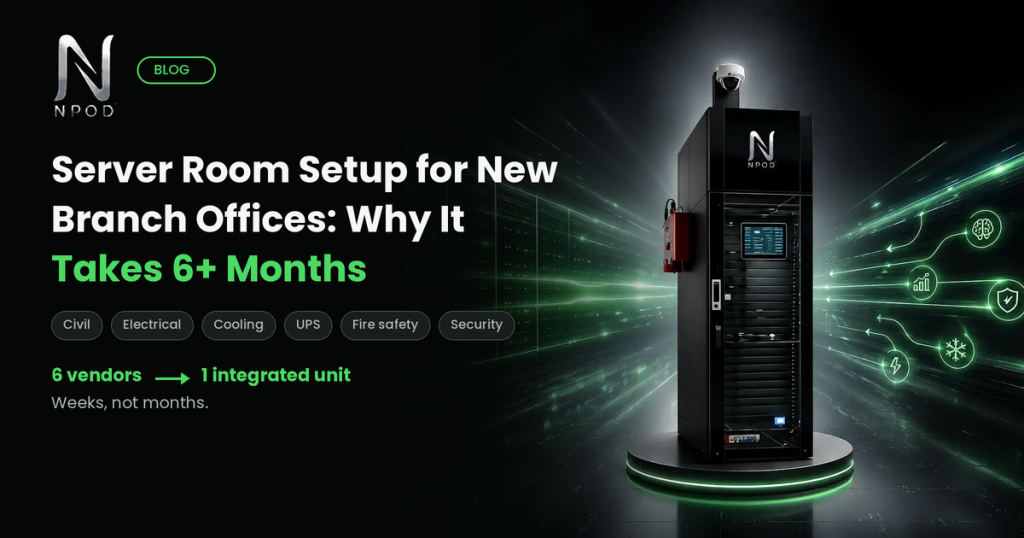
Instead of assembling a room piece by piece, many organisations are now looking at pre-engineered enclosures for their branch office IT infrastructure. The idea is simple: the rack, UPS, precision cooling, fire protection, access control and monitoring come integrated in a single unit that is tested at the factory and delivered ready to install.
This is the approach behind a micro data center India solution like NPod. According to NPod, its units are designed for a typical deployment of 6 to 8 weeks from site-ready to live, and the standard range covers roughly 1.3 kW to 12 kW of IT power, with custom configurations on request. Both indoor and outdoor versions are available, which helps for factory floors and remote sites.
The practical benefits are straightforward:
- One accountable vendor from design to support
- A repeatable design you can roll out across locations
- Built-in monitoring on a single dashboard
- Modular growth: add capacity later without rebuilding
As with any vendor claim, validate timelines and specifications against your own site conditions before you commit.
When a Micro Data Center Is Not the Right Fit
A micro data center suits branches, plants, campuses and edge sites. It is not the answer for megawatt-scale capacity or very dense GPU clusters, and it may be more than you need if all you want is a single rack in a small office. Match the solution to the workload.
Five Questions to Ask Before You Commit
- Who is accountable from design and installation through to support?
- What is the realistic timeline from order to go-live, and what must my site provide in terms of power, space and network?
- Is the unit tested before dispatch, and what certifications does it carry?
- Can I monitor every branch from one dashboard?
- How do I add capacity later without re-engineering?
Frequently Asked Questions
How long does it take to build a server room? A traditional server room can take 6 to 12 months, because civil, electrical, cooling, fire and security work is done by different contractors in sequence. Integrated, factory-built units are designed to cut this to weeks.
How much does server room setup cost? It depends on capacity, cooling, power redundancy, fire protection, security and site conditions. The most reliable way to get a real number is a site-specific assessment rather than a generic estimate.
What does a server room setup for a branch office need at minimum? At minimum: a rack, reliable power with UPS backup, cooling suited to the equipment load, basic fire detection, controlled physical access and some form of monitoring.
Is a micro data center a replacement for a server room? For many branch and edge needs, yes. It packs the same functions into one enclosure. For very large or very high-density requirements, a purpose-built facility is still the better choice.
Plan Your Branch Rollout With a Faster Option
If you are planning new branches and want to compare timelines and costs against a traditional build, explore the Recommended Plan or talk to the NPod team for a no-obligation assessment of your requirements.